


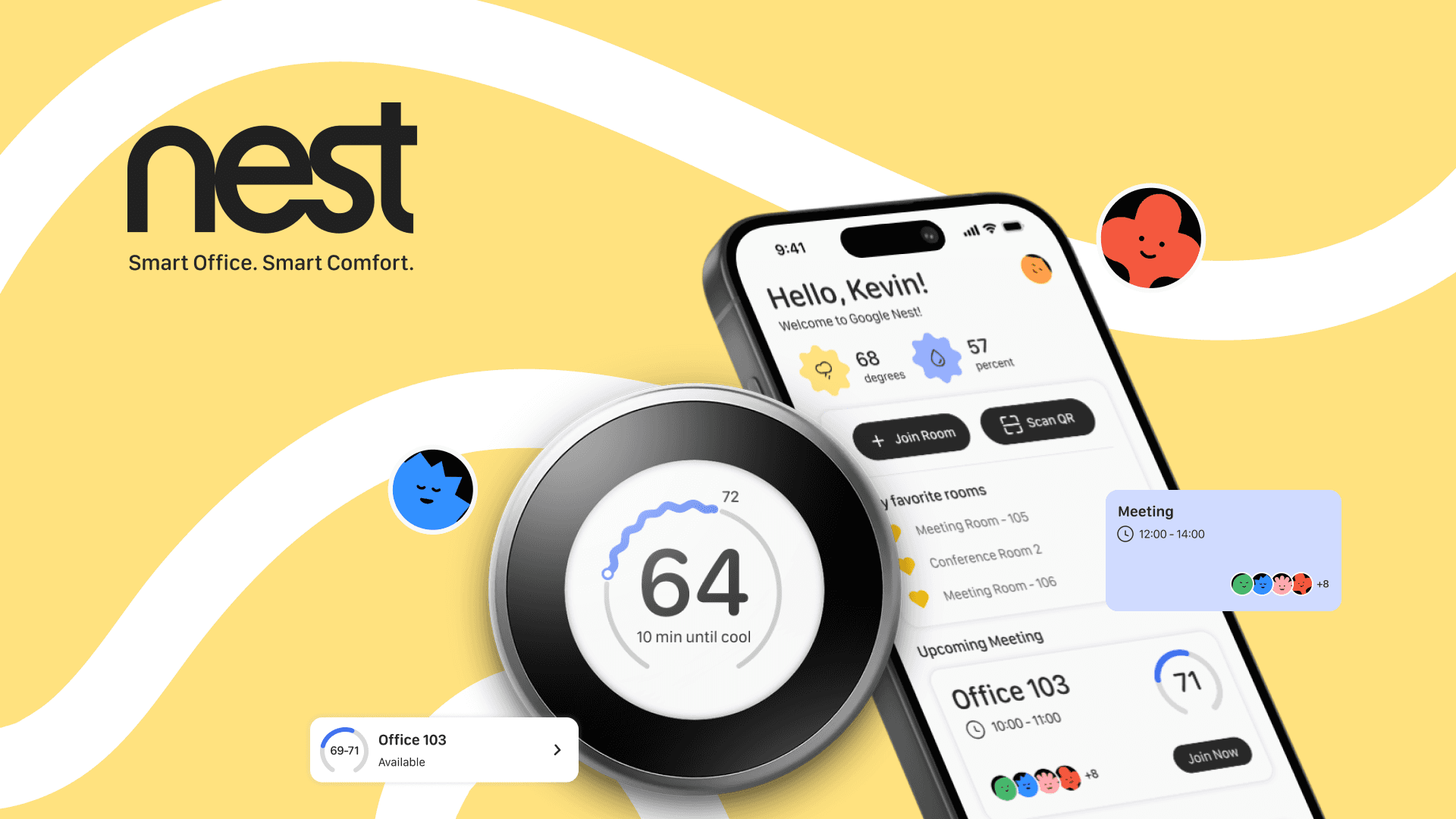
Scan to join. The QR code lives on the thermostat itself. Walk in, scan, done.
Google Nest
User interaction design, Motion design, Design systems, Branding, Prototyping · 2024

Three different people share one platform, learners trying to finish an exam, admins building and managing assessments, and customers accessing exam codes for their teams. One login screen served all three, and couldn’t tell them apart.
Flow #1
Joining a room
9:41
Hello, Kevin!
Welcome to Google Nest!
68
degrees
57
percent
My favorite rooms
Meeting Room 105
Conference Room 2
Join Room or Scan QR. Both sit on the home screen for anyone who opens the app first.
Favorite rooms stay pinned. The meeting someone joins every week doesn't need to be searched for again.
Under five seconds. Joining a room takes as long as it takes to notice the device is there.
Flow #2
Checking status and overriding
The dial still works. Anyone can turn it by hand, the way a Nest always has.
One new question. How long should this setting hold?
1 hour, 2 hours, until the next meeting. A quick end time replaces an indefinite override.
It resets itself. Nobody has to remember to turn it back.
Flow #3
Leaderboard


Energy use becomes a score. Every room's savings turn into points.
Progress, not just a number. Rank, average time in a room, current streak.
Top three on a podium. Current standings, visible to the whole office.
A rank attached. Saving energy stops being abstract.


Reflection
What this UX project taught me


Made in motion
01Symbiote· Blender 3D
I sculpt motion out of nothing.
- 3D modeling
- Particle simulation
- Lighting
01 / 05
Still here?
Let’s make time for a conversation.
Savannah, GA
© 2026 All rights reservedCreated by Randeep Satish